eBay Store Design
eBay Store or eBay Shop is a great way to reach customers and instantly start selling. Now a days eBay is the most competitive and successful market place allowing seller to access thousands of customers. eBay Shop provide powerful tools to build, manage, promote, and track your business. Increase your buyer confidence and sell more with professionally designed eBay Stores. We develop custom eBay design solutions including professional eBay storefront & auction templates for eBay sellers who are looking for an edge on their competitors.
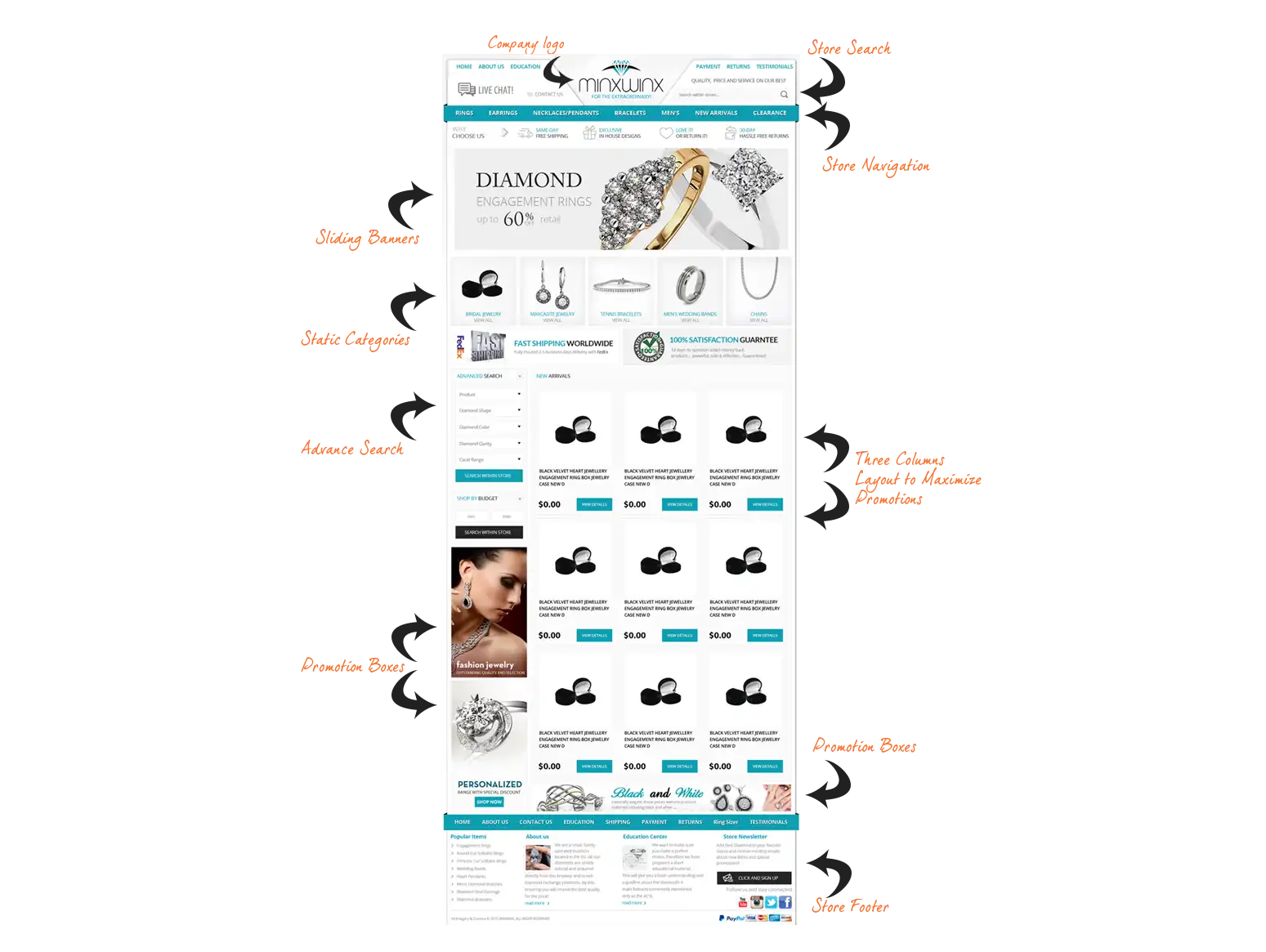
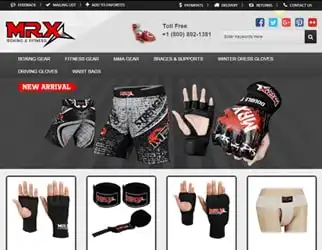
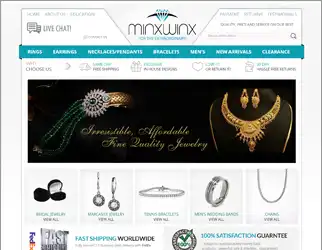
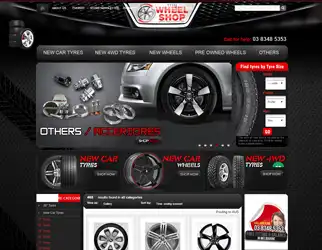
eBay Storefront is the page where your eBay product listings are presented in a professional and well organized manner to promote quicker searches, emphasis your unique selling point and thus in-turn increase sales. We work closely with you to turn your standard eBay store design into a completely unique and professional shopping experience. We accomplish this with our custom eBay store design tools for cross-promotion and our advanced search methods. When buyers can find exactly what they want within your store, why would they shop anywhere else? Stand out from your competitors and effectively brand your company with eStore Seller.
eBay Mobile Design Facts
 40% of eBay sales performed
through mobile devices
 eBay observe upward trend in mobile
users as 40% eBay buyers now using
mobile devices.
 Gross merchandise sales by mobile
devices reached volume of $20 billion last year.
Adapt this feature to engineer more sales and leap ahead of your competitors.
Mobile technologies have completely revolutionized the whole experience of online shopping. Build your custom eBay storefront with latest trend to make it compatible with all mobile devices and screen resolutions. If your eBay Shop and listings have not yet targeted the mobile users, start it now with our Responsive eBay Store Design and increase your sales. We at eStore Seller, work with advance technologies to create high impact eBay design to inspire confidence. Get mobile responsive eBay store design and listing templates to manage cross-browser & cross-devices visibility of your eBay business to gear up your sales.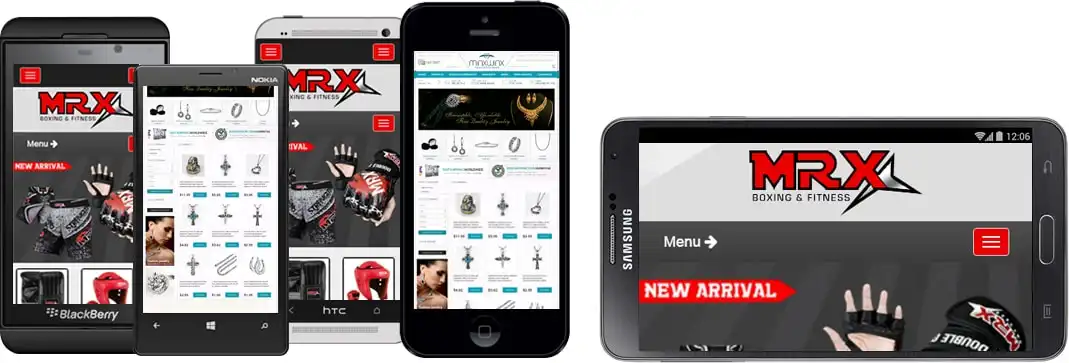
eBay Mobile Key Features
Adapt this feature to engineer more sales and leap ahead of your competition.
-
 Works with Both Store and
Listing template -
 Unique Designsspecifically
formobile devices -
 Designed to load
faster -
 Compatiblae on alldevices in
any orientations -
 Cross promotion Option
for Mobile
-
 Seamless Transition from
desktop to mobile -
 eBay mobile app
compatible -
 Touch Responsive
image gallery -
 Eliminates Zoom
option -
 View clear Product
Information -
 No Seller Interaction required
works automatically
Why Choose Us
-
 100% Money Back
Guarantee -
 Unlimited Revision
Guarantee -
 USA Based Company With
24x7 Support -
 No Hidden Fees Or Extra
Charges For Essential Features -
 Affordable Design
Services -
 Unique Designing To Your
Requirements -
 One Stop Shop For All
Your E-Design Needs -
 100% Satisfied
Customers
See the Difference
eBay Store Packages
We set out eBay Store Design packages for businesses to uplift sales, instill buyer confidence and to improve brand promotion on eBay.
All packages are on sale click here to inquire
| What’s Included |  |
 |
|
|---|---|---|---|
| Custom Branding as per your business requirements | |||
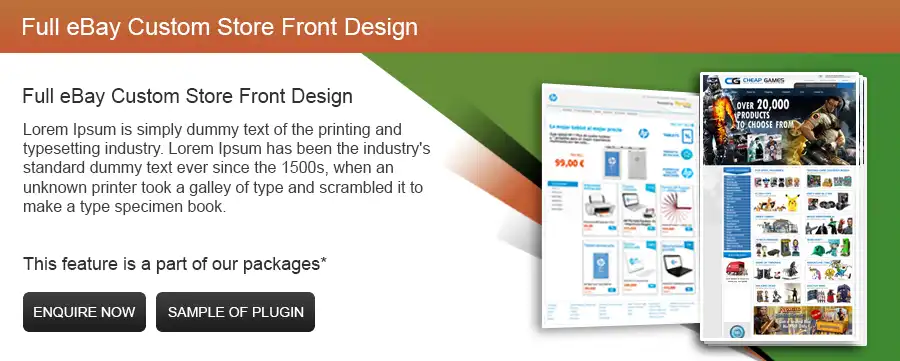
| Full eBay Custom store front design | |||
| Dynamic eBay Shop Categories | |||
| Dynamic ebay listing categories | |||
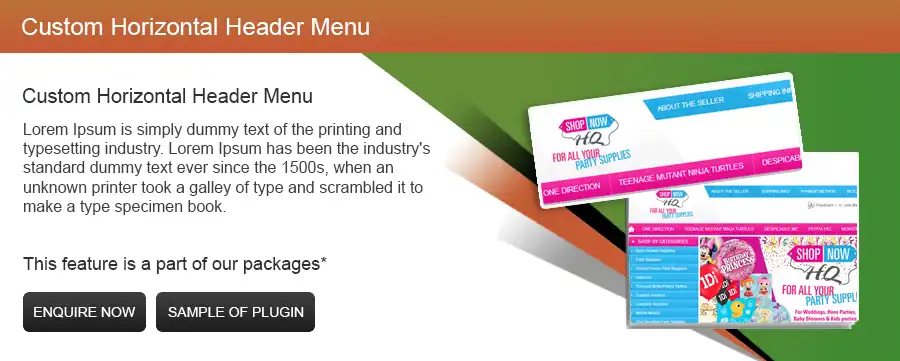
| Custom Horizontal header menu | |||
| 3 Flashy sliding banners | |||
| 5 Flashy sliding banners | |||
| Side Promotion Graphic Banners | |||
| 3 custom pages design | |||
| 5 custom pages design | |||
| Store Seller's eBay Listing Management Tool access | |||
| Cross Selling listing tools | |||
| Multi Level search according to price, Brand, Size etc.. | |||
| Star Items | |||
| About me page design | |||
| Up to 9 categories boxes under store header | |||
| 5 Days Free Online Support After Completion | |||
| 15 Days Free Online Support After Completion |
* Responsive listing design requires extra efforts and will be charged separately, quotes are available upon request.
* 3 Page custom eBay store is not part of Basic/Advance eBay store design package and will be charged separately.
We have a huge list of happy clients who are getting our valued services. If you are not sure which plan is right for you? Send us email or fill out our Free Quote form with no obligation and get experts consultation about your project. As your eBay Designers, it is our prime obligation to offer you a fantastic, eye-catching and professional eBay store to grow your eBay sales. We strategically plan our work and think of impeccable ways to create an impactful brand identity which secure a competitive advantage and set you a part from competition.
eBay Design Process

1. Day 1 - 2 (Define Setup)
This is the most important step where our marketing manager or strategies planner consult with you to analysis your business goals and with your input they refine a detailed plan project Through this conversations, we establish your brand requirements and outline your specification so designers start work.

2. Day 3 - 5 (Graphical Layout)
By this point. We create the main graphic elements of your store before getting the design over into code ready for you to view. At no point so far is anything live on your eBay Store and we are working offline however you can view the project on the demo site.

3. Day 6 - 9 (Preview)
After design and coding, we will contact you via email with a link to our demo site with your live preview enabled. Then you can contact us for feedback and any changes or amendments which you may require. As per you feedback, we apply the final touches before sending you a finalized preview.

4. Day 10 (Launch)
Depending on the package/service you have chosen, you can look to have your project completed and installed within the pledged time constrains. We take care of all the installation, so you can contact back to us if there is anything wrong. We also offer special access to our product listing tool, where you can upload your products directly into eBay store.





Common Questions asked by clients.
When you decided to purchase our eBay store design services, first you need to decide which package suit you best and just fill out our Request a Quote form. You can also email or call us to you share area of interest. We will contact you for more details and project consultation.
After your purchase and order confirmation, you need to fill out a simple but comprehensive project questioners send by us to you. That gives us opportunity to understand you prerequisite, deliverables and expectations. As per your requirement, our design team starts working, initial customer banners and mock-up design send to you by email for review. After reviewing, suggested addition, changes and revision are done unstill you are 100% satisfied. When you finally approved and happy with design, coding process will start and when completed we will install your project banners, eBay store and templates to your selected listing service. Your project turns on live.
Right after you order confirmation and initial payment received, we start working on your project.
When you share all required information, normally it takes 10 days to done your project also depend upon the project specifications & revisions. We take every step to expedite the development process.
After order confirmation, you have asked to pay 30% initial deposit. When design completed and approved, you will require to pay additional 20% amount. After coding process and final approval, you have to pay remaining 50% in full before your project goes on live.
Yes. All our eBay Storefront designs are 100% unique customized as per your specific equipments.
After completion and approval of your project, our eBay team will install all newly design custom banners, eBay storefront and templates on you specific listing service and turn it live on eBay.
There is no set limit for revisions. We strive for your 100% satisfaction and can revise until it meet or exceed your expectations. All we need to require carefully review your mock-ups design or links, list down complete revision list and send it to us. Sometimes it takes couple of days to done revisions depend up the complexity of suggested issues or changes.
It gives us clear understanding of your project, requirements and what do you expect in returns. Completing the questioners may avoid confusions and gives us fair idea about your direction. It also contain checklist about all required information that we need to process your project. If you are confused about any point, email us and we glade to explain it for your understanding.
Dedicated project manage assign to your project who will communicate between you and the project working team. You can share all your requirement, suggestions and revisions to him and he will get it fixed all that issues from the design or development team and make sure your project completed in timely manner.
During coding process, we upload your project on specific URL or local servers and share link with you for reviewing and keep in touch you with the work in progress.
Yes, all our eBay store and listing templates fully compatible with third party integration.
Yes. We offer free technical support and after sale services without any additional cost.
In future, you can update product images, categories or rotating banners by your own without any special technical knowhow. But for design related amendments, your need to contact us and share your alteration requirements. All technical modification required to design code and integrate on your eBay store. So share your desire requirements with us and we will show you the best possible solutions.
Save time and Sell more. All our eBay listing templates fully compatible with below services;
If can’t find the service you are currently using or want to use, Contact us! We will do it for you.